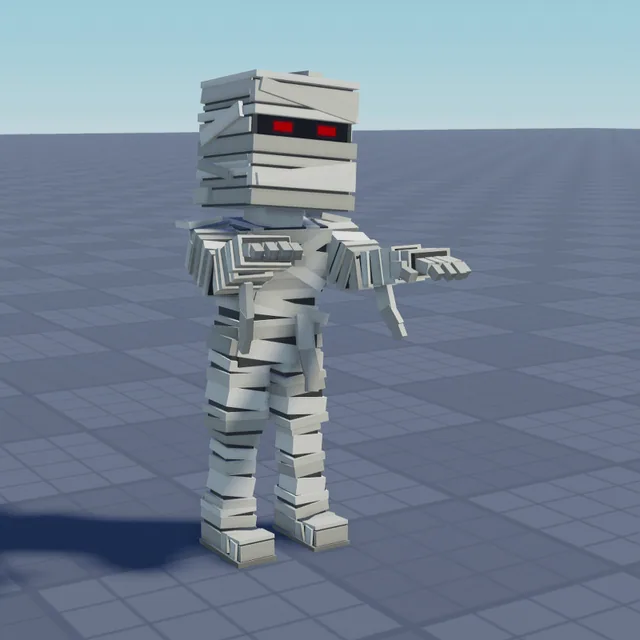
Model RLIB-CRTR-0005
Mummy
A chunky-headed mummy wrapped head to foot in warm aged linen over a dark body that shows through real gaps between the bands.
A chunky-headed mummy wrapped head to foot in warm aged linen over a dark body that shows through real gaps between the bands. The bands are uneven: different widths, tilts that spiral round the limbs, bands crossing on the chest and down the back, band ends stopping at different places. A fully wrapped face with one dark eye slit and two faintly glowing red eyes, no mouth. Arms held forward like a zombie, big wrapped hands with slightly clawed fingers, chunky wrapped feet with a toe step and a darker sole. Four loose strips (both forearms, the waist front, the back of the head) hang in three segments each and sway like cloth.
- Style
- blocky
- Category
- creature
- Type
- undead
- Body
- humanoid
- Size
- player size
- Tone
- spooky
- Animations
- idle
- Features
- arms forward bandages cloth sway glowing eyes
Reference sheet
Download the sheet (3840 × 2160, 1.4 MB)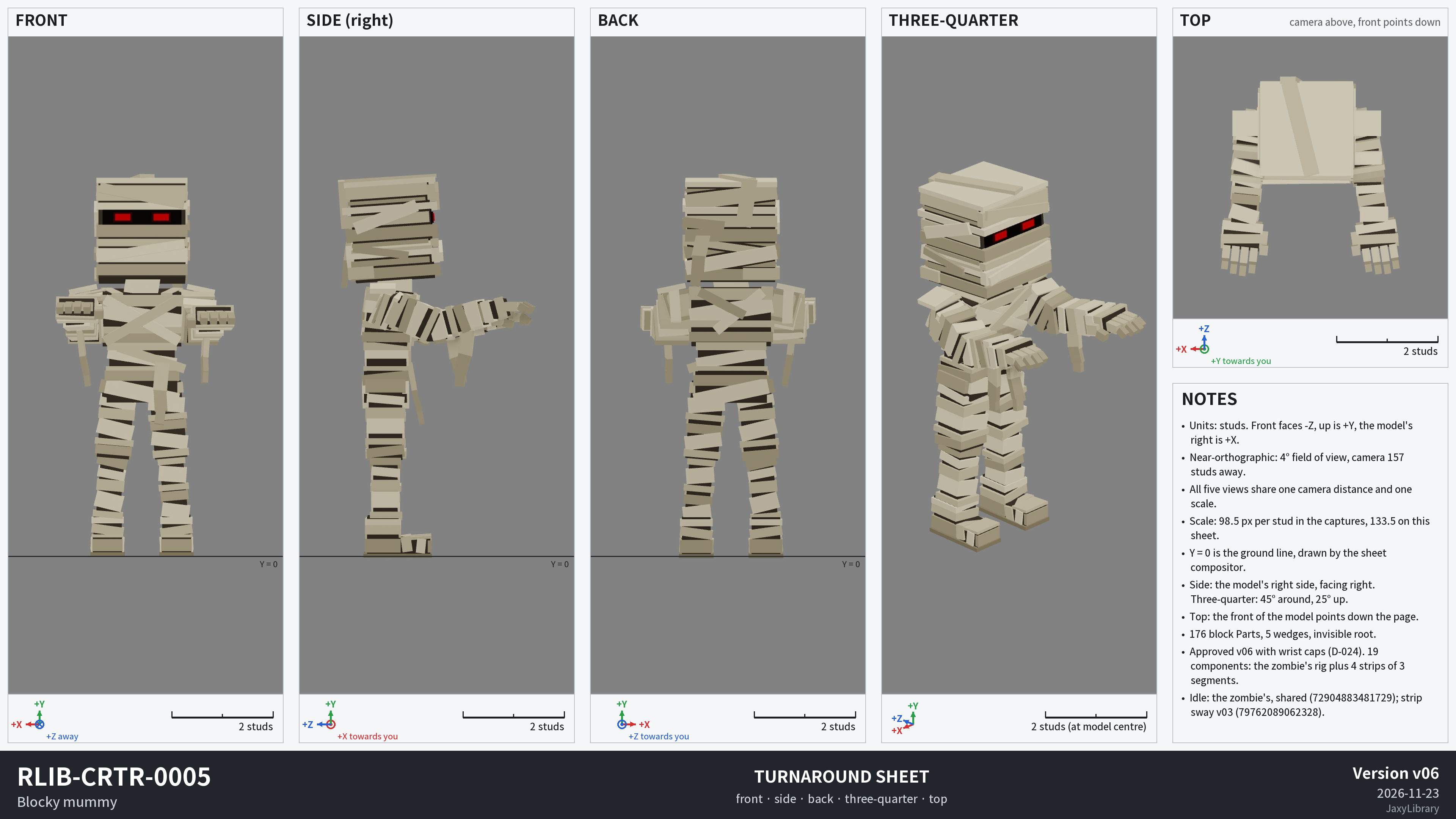
Build prompt
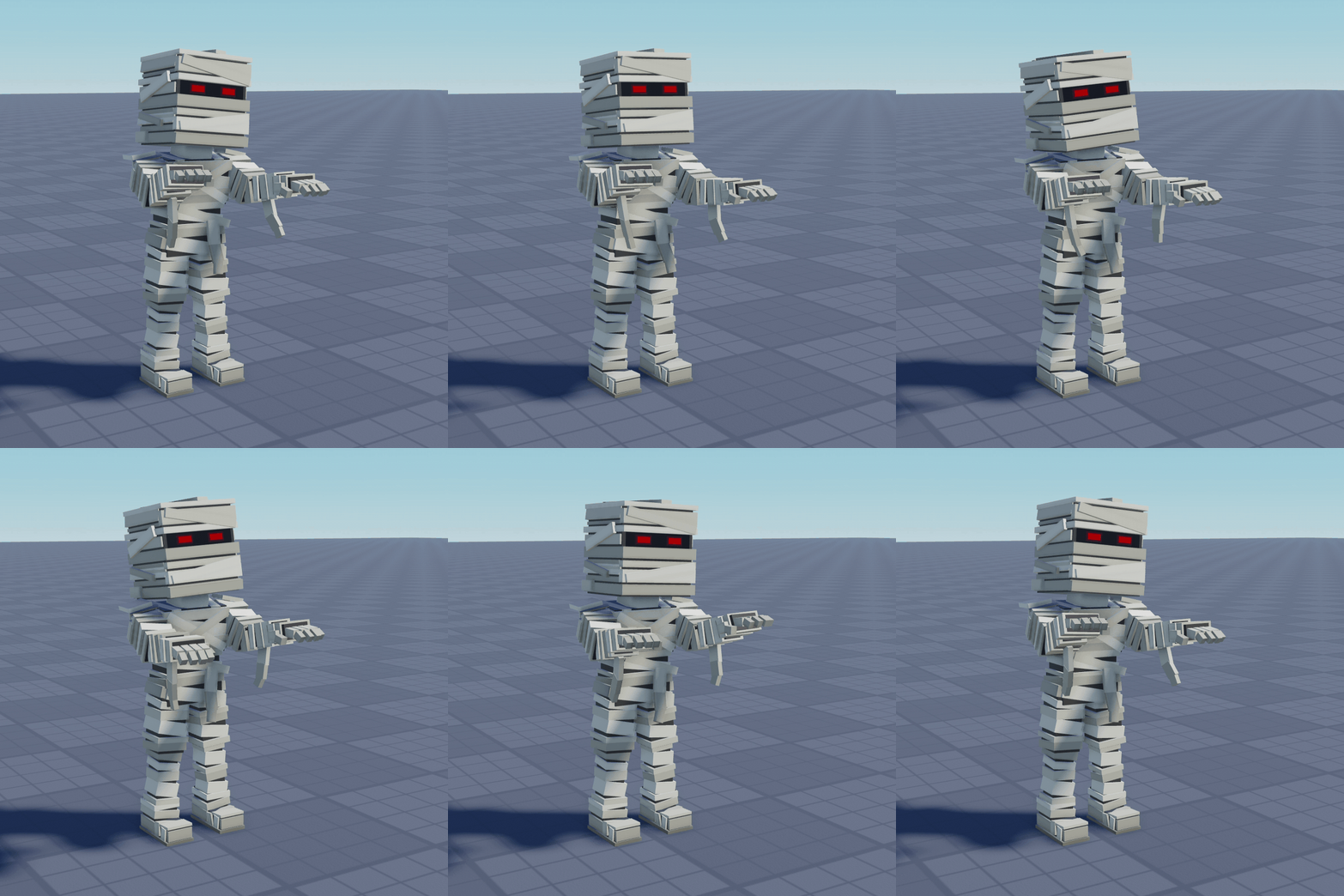
Connect your agent to the bloxdev MCP to skip the copy and paste. It finds the prompt and the reference pictures on its own. To do it by hand, copy the prompt and give it to your agent with the reference sheet and the GIF, and ask it to look at both before it starts.
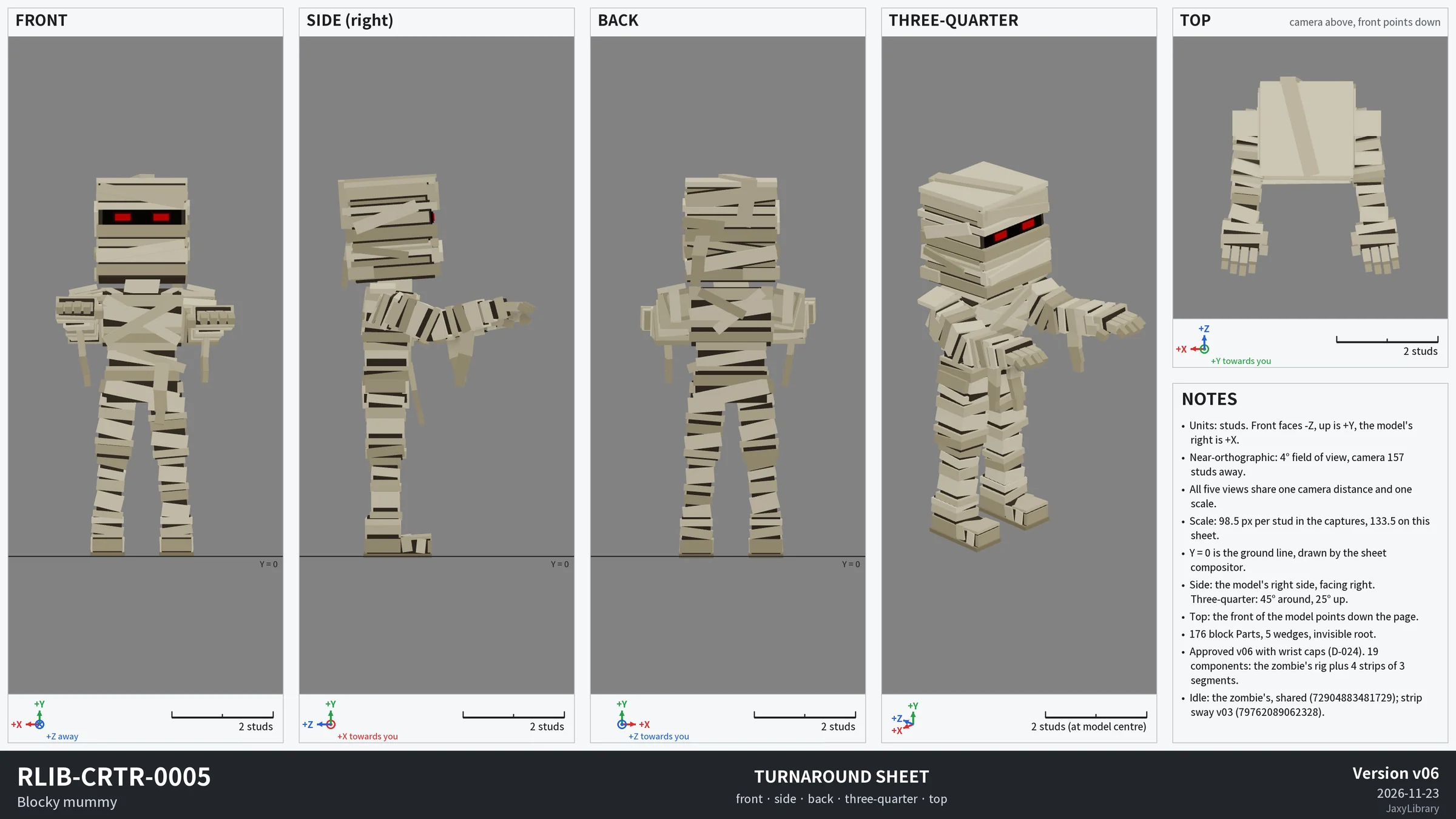
Build a blocky mummy in Roblox Studio that matches the attached reference sheet and idle GIF as closely as possible. The sheet shows the model from the front, side, back, three-quarter and top at one scale; the GIF shows its idle animation in a three-quarter view. Build it yourself from Parts; don't import or search for any model.

## What it is
A chunky-headed mummy wrapped head to foot in warm aged linen over a dark body that shows through real gaps between the bands. The bands are uneven: different widths, tilts that spiral round the limbs, bands crossing on the chest and down the back, band ends stopping at different places. A fully wrapped face with one dark eye slit and two faintly glowing red eyes, no mouth. Arms held forward like a zombie, big wrapped hands with slightly clawed fingers, chunky wrapped feet with a toe step and a darker sole. Four loose strips (both forearms, the waist front, the back of the head) hang in three segments each and sway like cloth.

## Numbers
- Size: about 3.5 wide x 7.6 tall x 3.9 deep studs (arms forward).
- About 182 parts (176 blocks, 5 wedges, 1 root) in 19 components: Torso (root), Head, Jaw; per side UpperArm, LowerArm, Hand, UpperLeg, LowerLeg, Foot; StripForearmRight, StripForearmLeft, StripWaistFront, StripHead (each strip: 3 segments chained by Motor6Ds).

## Palette (RGB)
Linen 206,196,172 / 184,174,150 / 160,150,128 · dark body under the wraps 70,64,56 · sole 132,122,102 · eye slit 20,16,14 · eye rim 62,6,12, eye core 112,0,9 (Neon).

## Idle (3.2 s loop, see the GIF)
Two tracks of the same length playing together: a zombie-like body idle (breathing, head nod and loll, arms drifting, wrists flopping, feet planted) and a lower-priority strip sway where the loose strips swing gently behind the body's motion (the waist and head strips only side to side).

## Style rules (Blocky style)
- Build only from sharp-edged Roblox block Parts. No MeshParts, no unions, no textures or decals (a few WedgeParts are fine where noted).
- Material SmoothPlastic everywhere; only the glowing eye cores are Neon.
- Big chunky cube head, chunky hands and feet; detail is made from geometry (stepped blocks, recesses, raised trims), not images.
- Use 2-4 shades per material (light, main, dark) so forms read without textures; put lighter shades on top and outer edges, darker in recesses and undersides.
- No two different-coloured faces in the same plane where they overlap (offset them at least 0.02 studs) so nothing flickers (z-fighting).
- Every block must touch its neighbours: no floating parts.
- The model faces -Z, its pivot at the base centre on Y = 0, anchored.

## How to work
1. Look at the reference sheet (front, side, back, three-quarter, top) and the idle GIF before building. Build to the sheet's proportions; the sizes below are the targets.
2. Block out the big masses first (head, torso, limbs) at the right size, and compare front and side against the sheet.
3. Add the secondary forms, then the details and trims.
4. Split the model into the components listed, each welded to one main block, with an invisible root part, an AnimationController and one Motor6D at each joint (pivot at the real joint).
5. Make your own idle animation (KeyframeSequence) as described below, loop it, and keep the feet planted.
6. Check: capture front, side, back and three-quarter screenshots and compare each with the reference sheet; check for floating parts and flickering faces; fix the biggest differences first.

## Done when
- Front, side, back and three-quarter screenshots look like the reference sheet (proportions, colours, the main details).
- No floating parts and no flickering faces.
- The idle loops smoothly like the GIF with the feet planted.
- You report what still differs from the reference sheet.